1
Choose the exam configuration
Start from the course’s supported exam setup. Question counts, timing, sections, and tools vary by exam.
Work under a time limit, review your answers, and turn the result into focused study.
See how it works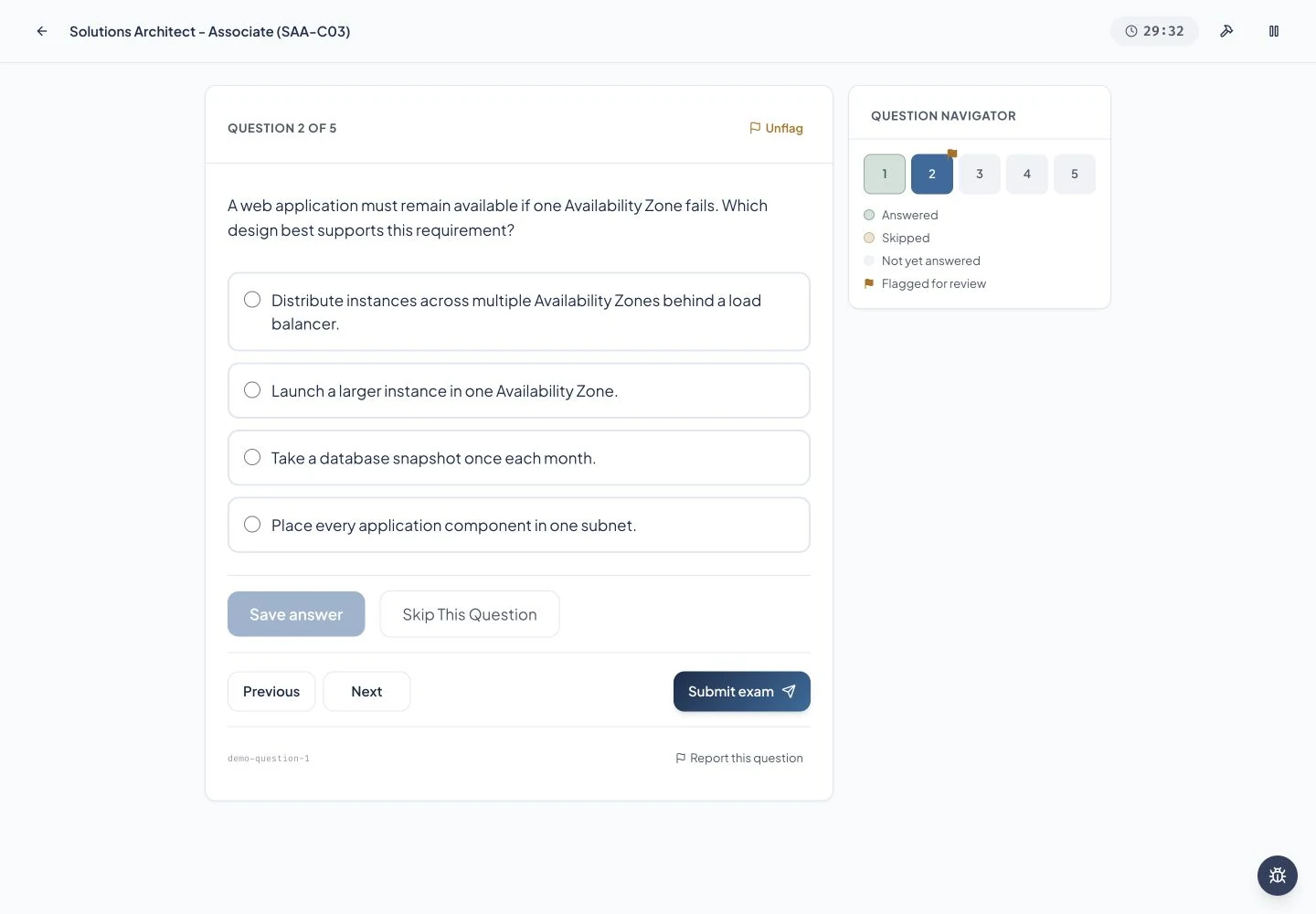
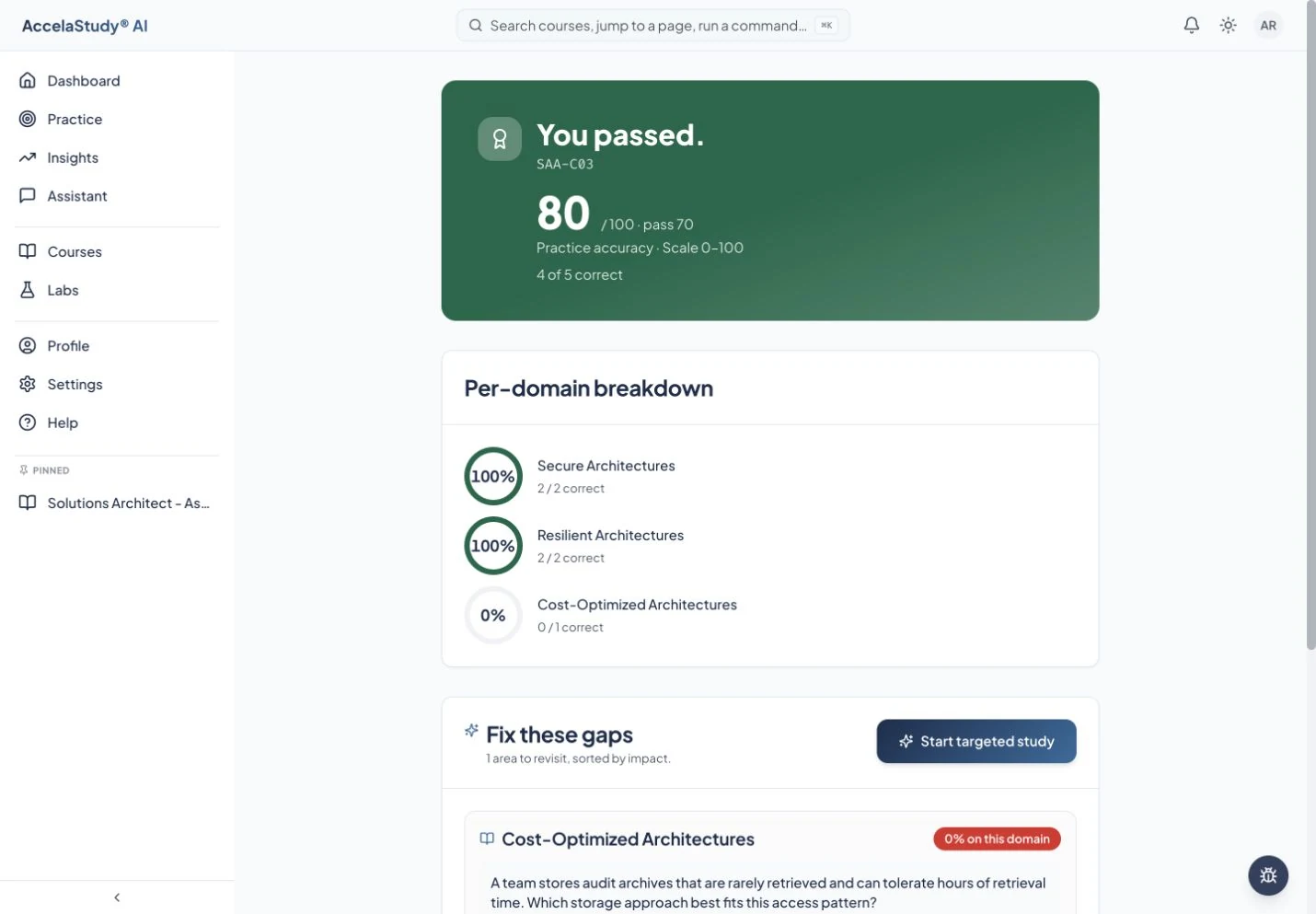
Current app screens with illustrative demo data.
Practice exams help you rehearse pacing as well as knowledge. Afterward, the useful part is understanding what needs attention and taking that back into your study routine.
Start from the course’s supported exam setup. Question counts, timing, sections, and tools vary by exam.
Use the timer, question navigation, and available review tools. Supported exams may include a calculator or other subject-specific tools.
Read the score breakdown and explanations. Use the topics you missed to guide your next lessons and practice. Questions may recur as you study.
Available for supported exam-preparation courses. Practice is an approximation of exam conditions and is not an official exam.
Put these tools to work with AccelaStudy AI Accounting.